Security · Passwords
How to Create a Strong Password You'll Actually Remember
· By Tools Bucket Team · 3 min read
Most of us were taught that a strong password looks like keyboard mash: a capital letter, a number, a symbol, job done. Then we end up with something like "Summer2024!" on half our accounts. The good news is that a strong password has far less to do with odd symbols than you'd think. It really comes down to two things: length and unpredictability.
What makes a password strong?
Attackers almost never sit and guess by hand. They use software that works through huge lists of likely passwords first: common words, names, keyboard patterns like "qwerty", and millions of passwords leaked in earlier data breaches. Only after that do they grind through every possible combination.
So a strong password has two jobs:
- Stay off those lists. No single dictionary words, no names or birthdays, nothing you've used before.
- Have so many possible combinations that brute force would take forever.
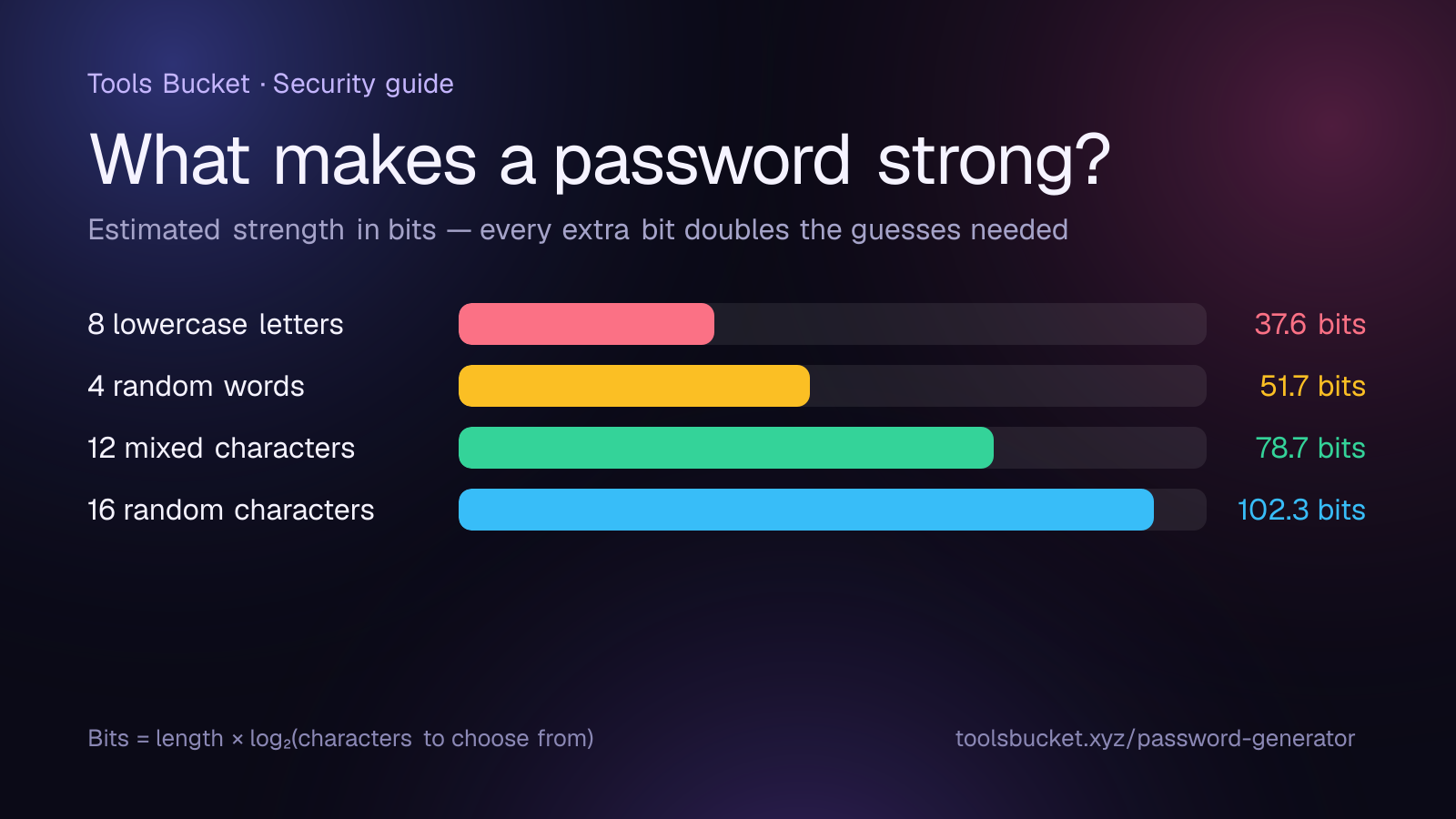
That second part can actually be measured. Security folks describe strength in bits: roughly, the length of the password multiplied by log₂ of the number of characters it could be built from. Every extra bit doubles the number of guesses an attacker needs.
| Password style | Approximate strength |
|---|---|
| 8 random lowercase letters | 37.6 bits |
| 4 random words | 51.7 bits |
| 12 random mixed characters | 78.7 bits |
| 16 random characters | 102.3 bits |
One big catch: these figures only hold if the password is genuinely random. "Password123!" technically mixes upper case, lower case, numbers and a symbol, but it's among the very first things any cracking tool tries. Its real-world strength is close to zero.
Why length beats complexity
Look at the table again. Going from 12 random characters to 16 adds more than 20 bits, which means over a million times more possible combinations. Swapping an "a" for "@", on the other hand, adds almost nothing, because cracking tools try those swaps automatically.
That's why the latest password guidance from the US National Institute of Standards and Technology puts length first. It also tells organisations not to force people to change passwords on a schedule and not to impose fussy composition rules, and to block passwords that are known to be common or already compromised.
Three ways to create a strong password
1. Let a generator do the work. A random 16-character password from a password generator is far stronger than anything most people can invent on the spot. Ours creates it right in your browser, so it's never sent anywhere.
2. Use a passphrase for the few you must remember. Four or more random words, something like velvet-orbit-cactus-lantern, are much easier to picture and type than a jumble of symbols. The important word is random: choose them with dice or a generator, not from a favourite song, and never reuse an example you've seen in an article (including this one). Six random words gets you to about 77 bits, roughly as strong as a 12-character random password.
3. Make every password unique. When a website is breached, attackers take the leaked email-and-password pairs and try them on other sites. It's called credential stuffing, and it only works when people reuse passwords. One unique password per account shuts that door completely.
How to remember them all
Honestly? You don't try. A password manager stores a different random password for every site, locked behind one strong passphrase that you do remember. Most browsers and phones now come with one built in, and dedicated apps add extras like secure sharing and breach alerts.
Then switch on two-factor authentication (2FA) for your email, bank and social accounts. Even if a password leaks, the one-time code from an authenticator app on your phone stops most attackers cold. Text-message codes are better than nothing, but an app is better still.
Your strong password checklist
- At least 12 characters for everyday accounts, 16 or more for email and banking
- Random, not personal: no pets, birthdays or football teams
- A different password for every single account
- A password manager to keep track of them
- 2FA turned on for the accounts that matter most
- A quick check of whether your email has appeared in a known breach at Have I Been Pwned
Ready to make one? The password generator creates a strong password in a single click, and you can choose the length and character types.
Comments
No comments yet — be the first to share your thoughts.