Design
Hex to RGB: Color Codes Explained (Hex, RGB and HSL)
· By Tools Bucket Team · 4 min read
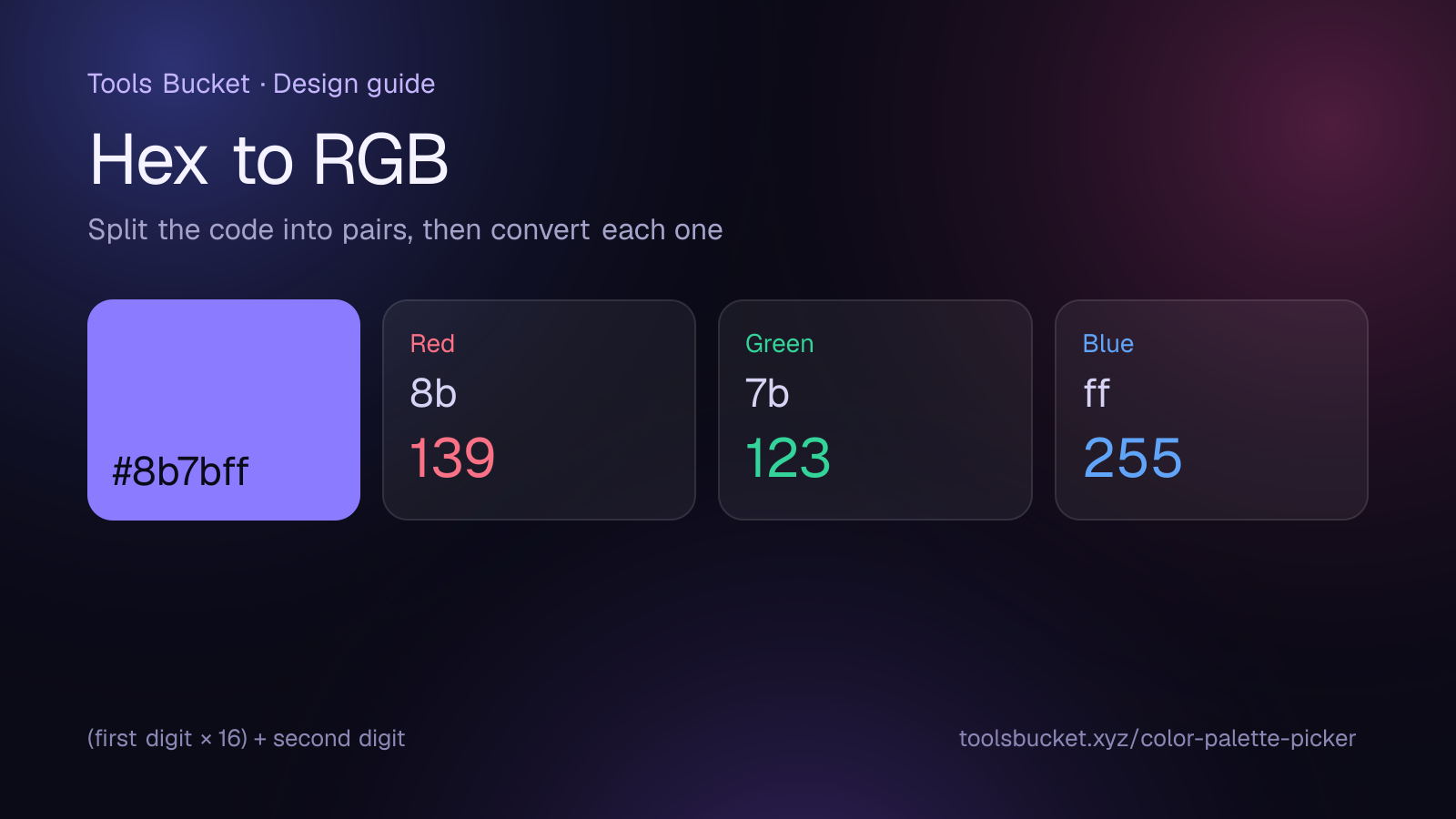
If you've ever copied a color from a design app, a brand guide or a website, you've met codes like #8b7bff, rgb(139, 123, 255) or hsl(247, 100%, 74%). They can all describe exactly the same color. This guide explains what each format means and how to convert hex to RGB (and back) by hand, so the codes stop looking like gibberish.
Hex, RGB and HSL at a glance
| Format | Example | How it describes a color |
|---|---|---|
| Hex | #8b7bff | Red, green and blue as two-digit base-16 numbers |
| RGB | rgb(139, 123, 255) | Red, green and blue from 0 to 255 |
| HSL | hsl(247, 100%, 74%) | Hue (angle on the color wheel), saturation and lightness |
Screens make every color by mixing red, green and blue light. Hex and RGB both describe those three amounts; they just write the numbers differently. HSL describes the same color in a way that's closer to how people think about it: "which color, how vivid, how light".
How to convert hex to RGB
A hex code has six characters after the #: two for red, two for green and two for blue.
#8b7bff splits into 8b (red), 7b (green) and ff (blue).
Each pair is a base-16 (hexadecimal) number. The digits run 0–9 and then a–f, where a = 10, b = 11, c = 12, d = 13, e = 14 and f = 15. To convert a pair:
(first digit × 16) + second digit
- Red 8b = 8 × 16 + 11 = 139
- Green 7b = 7 × 16 + 11 = 123
- Blue ff = 15 × 16 + 15 = 255
So #8b7bff is rgb(139, 123, 255), a soft violet.
Shorthand hex codes
Three-digit codes like #f80 are shorthand: each digit is doubled. #f80 means #ff8800, which is rgb(255, 136, 0).
How to convert RGB to hex
Go the other way: divide each value by 16. The whole number is the first digit and the remainder is the second.
rgb(30, 144, 255):
- 30 ÷ 16 = 1 remainder 14 → 1e
- 144 ÷ 16 = 9 remainder 0 → 90
- 255 ÷ 16 = 15 remainder 15 → ff
Result: #1e90ff, a bright "dodger blue".
Common colors in all three formats
| Color | Hex | RGB | HSL |
|---|---|---|---|
| Black | #000000 | rgb(0, 0, 0) | hsl(0, 0%, 0%) |
| White | #ffffff | rgb(255, 255, 255) | hsl(0, 0%, 100%) |
| Pure red | #ff0000 | rgb(255, 0, 0) | hsl(0, 100%, 50%) |
| Orange | #ffa500 | rgb(255, 165, 0) | hsl(39, 100%, 50%) |
| Dodger blue | #1e90ff | rgb(30, 144, 255) | hsl(210, 100%, 56%) |
| Soft violet | #8b7bff | rgb(139, 123, 255) | hsl(247, 100%, 74%) |
What HSL adds
HSL is the easiest format for making variations of a color:
- Hue is the angle on the color wheel, from 0 to 360: red at 0, green at 120, blue at 240.
- Saturation is how vivid it is, from 0% (gray) to 100% (full color).
- Lightness is from 0% (black) to 100% (white), with 50% as the "pure" color.
Want a lighter version of a button color? Keep the hue and saturation and raise the lightness. Want its complementary color? Add 180 to the hue. That's exactly how color palettes are built; our guide on how to choose a color palette shows how to put this into practice.
Which format should you use?
- Hex is the most common in design tools, brand guidelines and HTML/CSS. It's compact and easy to copy.
- RGB is handy when you need transparency, written as rgba(139, 123, 255, 0.5), or when software asks for red, green and blue values separately.
- HSL is best when you're adjusting colors by hand, because the numbers match how you think about color.
Modern browsers understand all three in CSS, as MDN explains in its reference on CSS color values.
Build a palette from any hex code
Once you know your main color's hex code, our free color palette picker turns it into matching shades plus complementary, analogous and triadic palettes. Type or pick a hex code, then click any swatch to copy its hex value.
Quick recap
- Hex, RGB and HSL can all describe the same color.
- Hex to RGB: split the code into three pairs and convert each with (first digit × 16) + second digit.
- RGB to hex: divide each value by 16 and write the quotient and remainder as hex digits.
- Three-digit hex codes double each digit: #f80 = #ff8800.
- Use HSL when you want lighter, darker or complementary versions of a color.
Comments
No comments yet — be the first to share your thoughts.